Drop the whole pile. Get it listing-ready.
White background, soft shadow, sized for Vinted, eBay, Poshmark, Depop and Etsy. Cleaned right in your browser, back as one zip.
Drop a folder of photos here
JPG, PNG or HEIC, up to 25 MB each. See one of your photos cleaned before you pay.
See one of your photos cleaned before you pay.
Your photos never leave your device
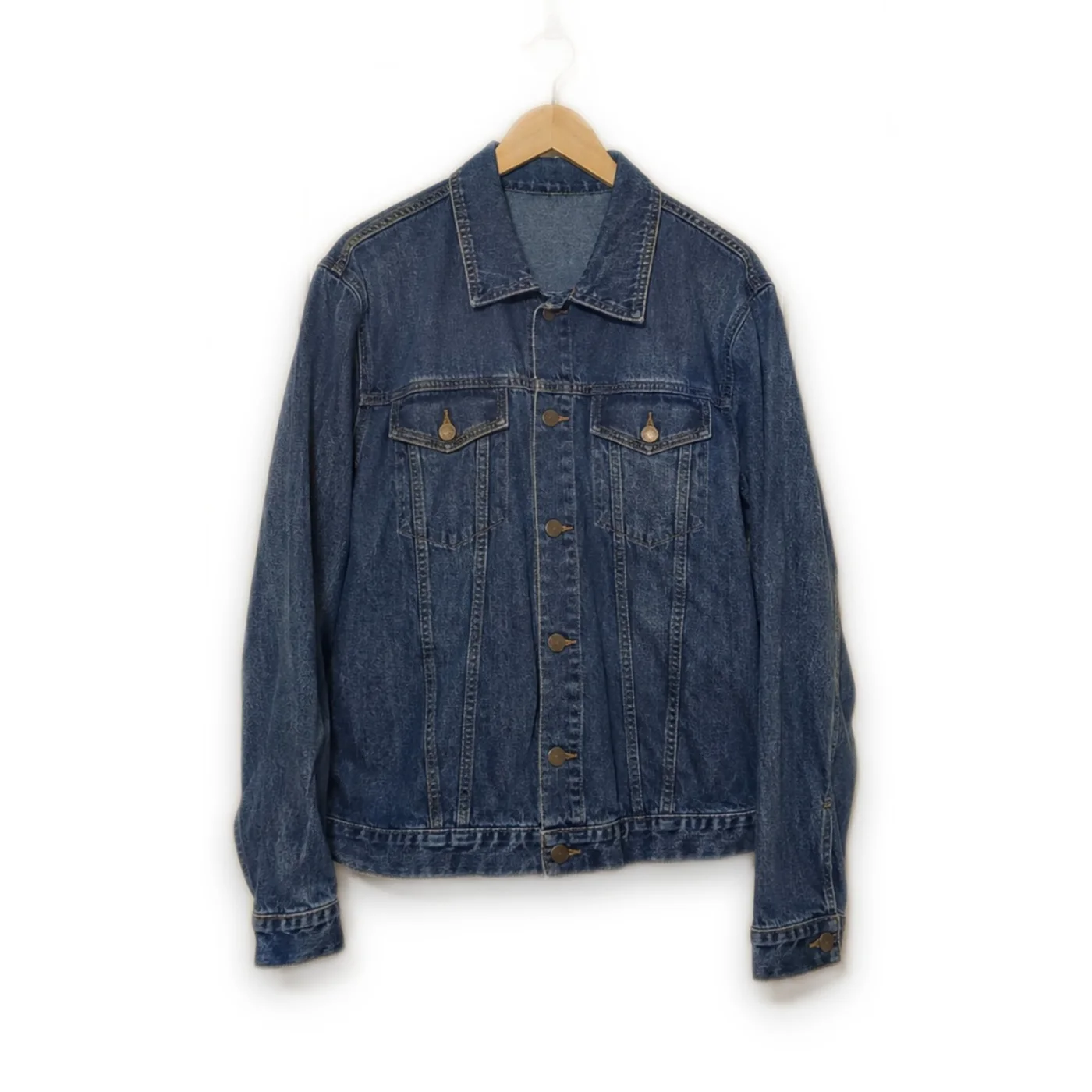
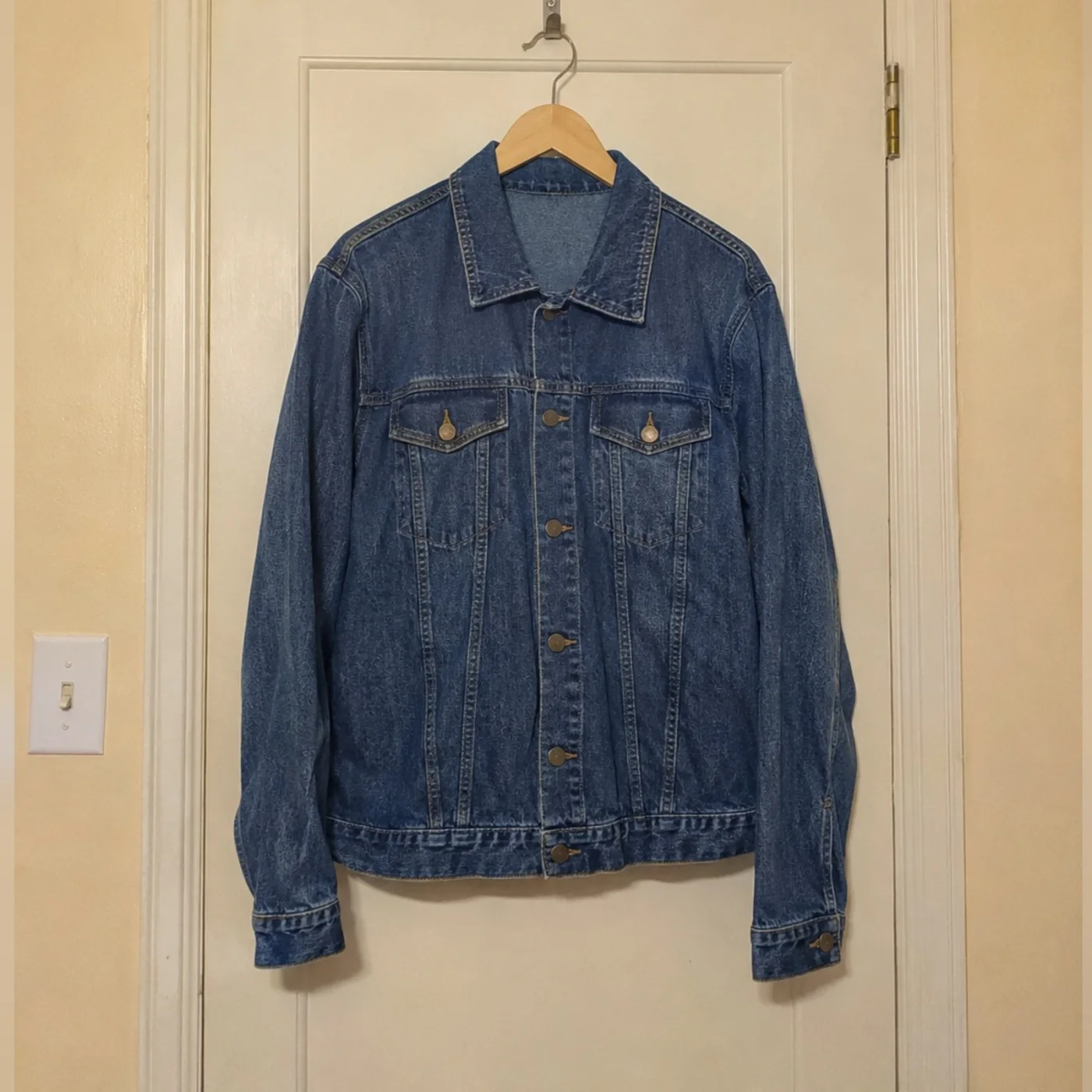
Fifty photos that look like one shoot.
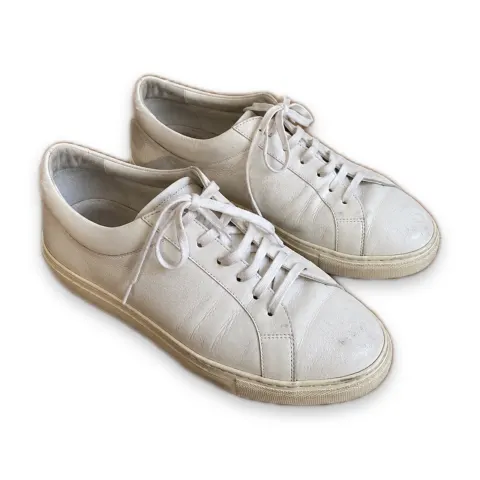
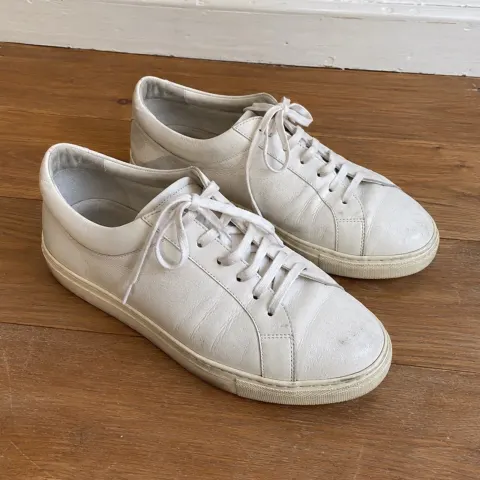
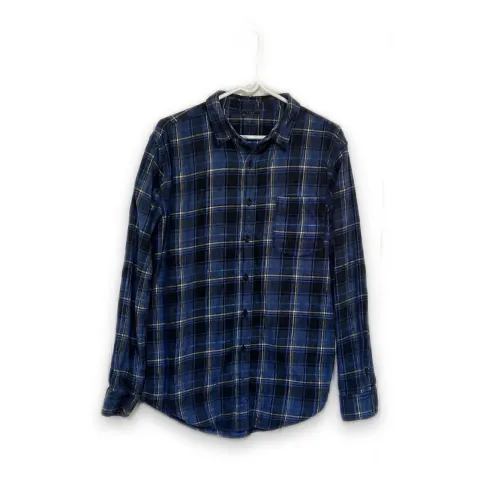
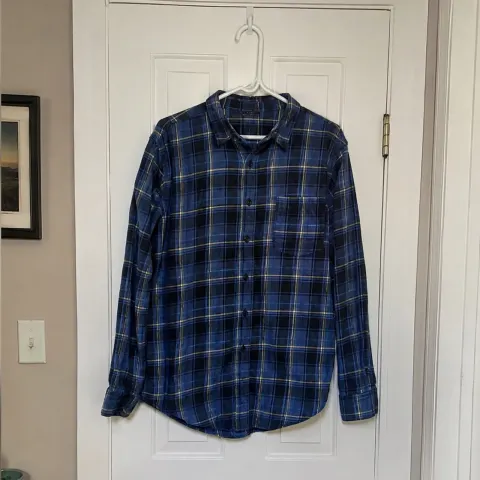
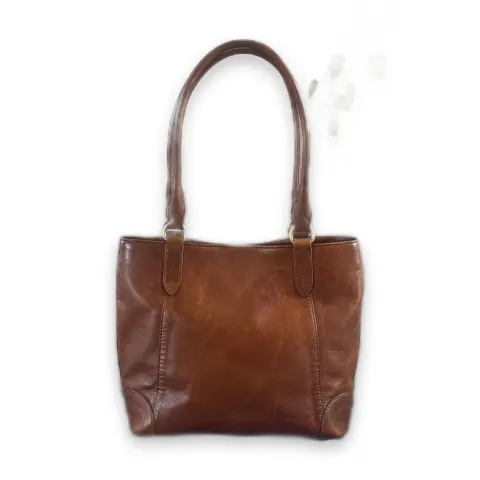
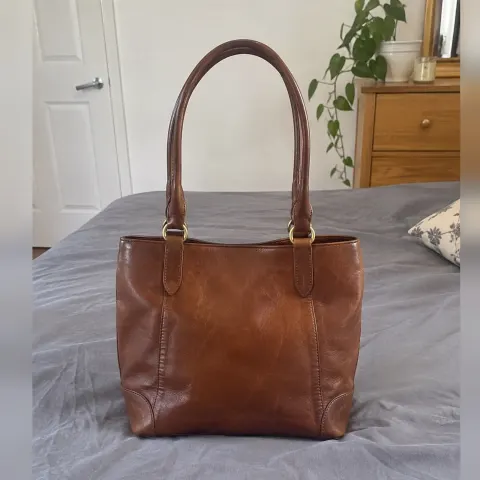
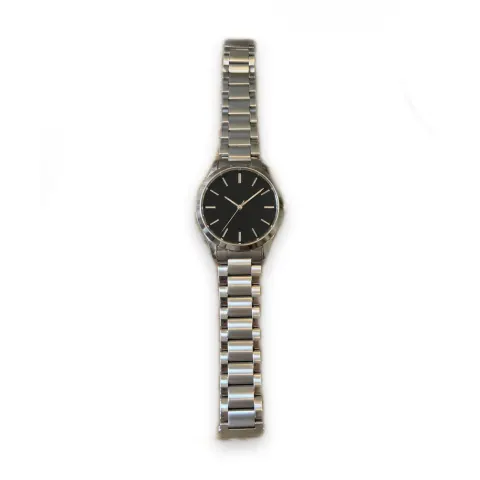
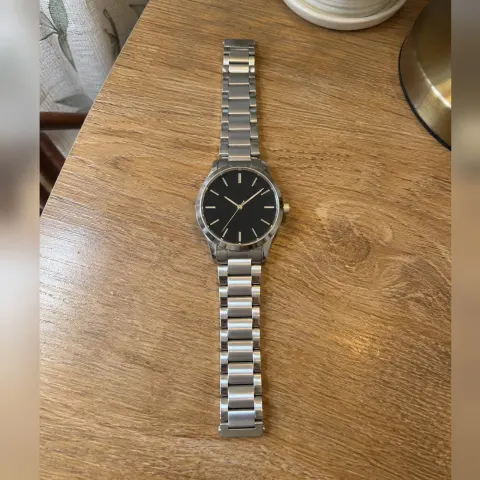
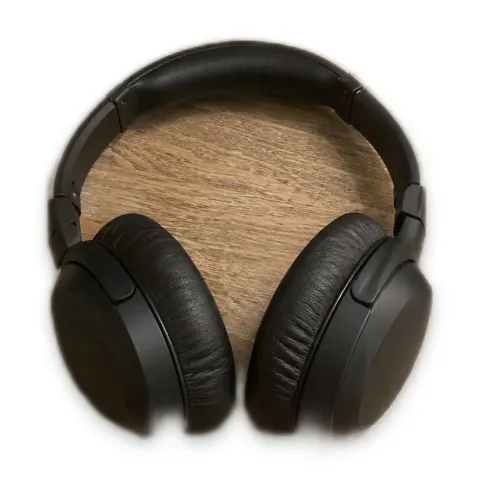
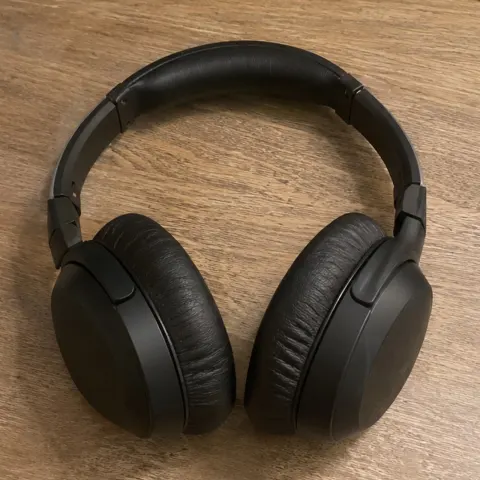
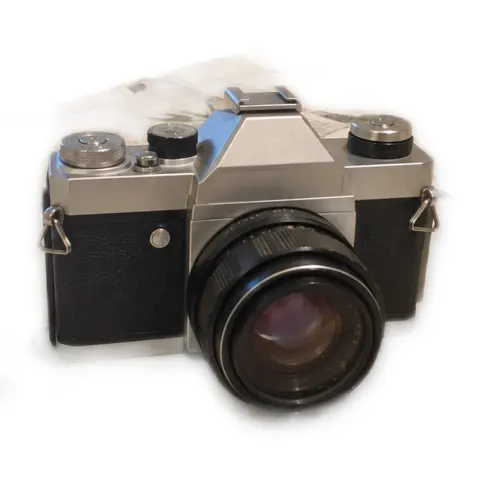
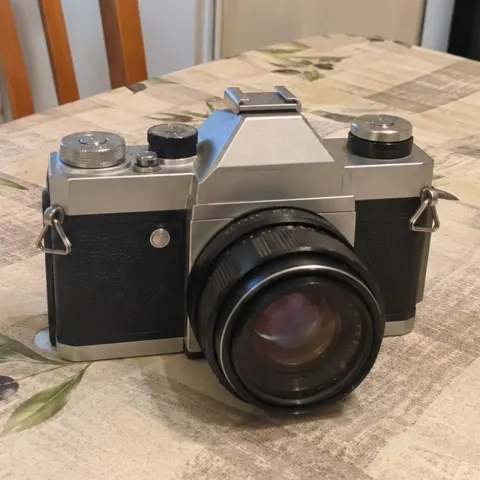
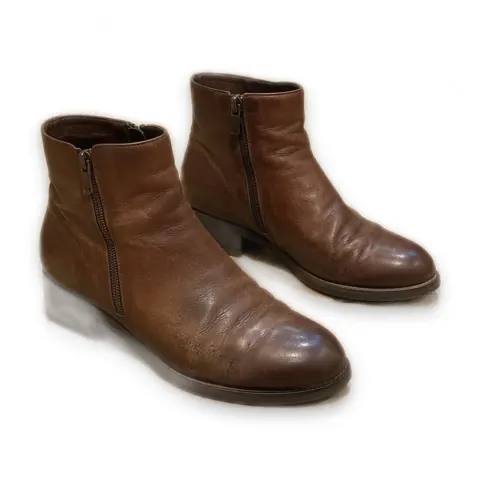
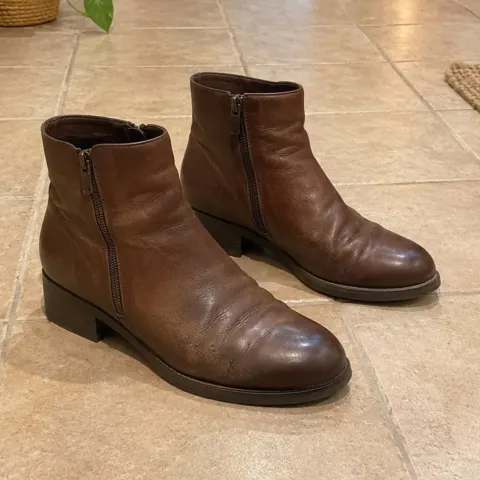
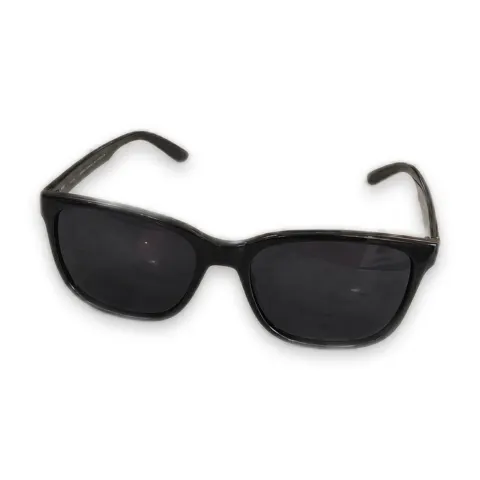
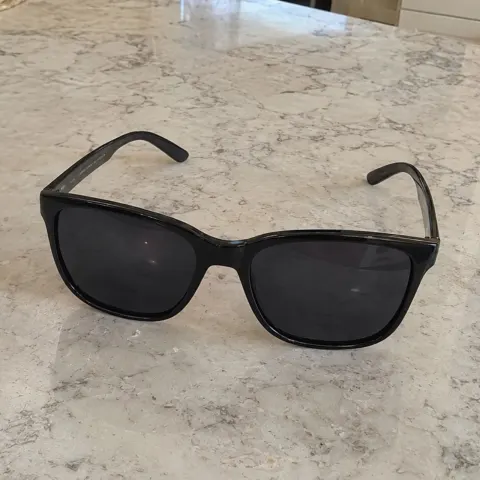
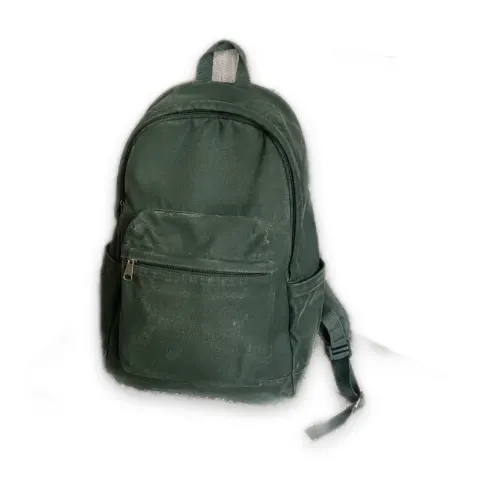
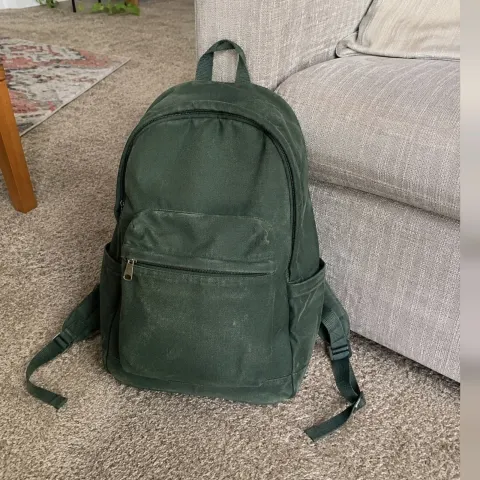
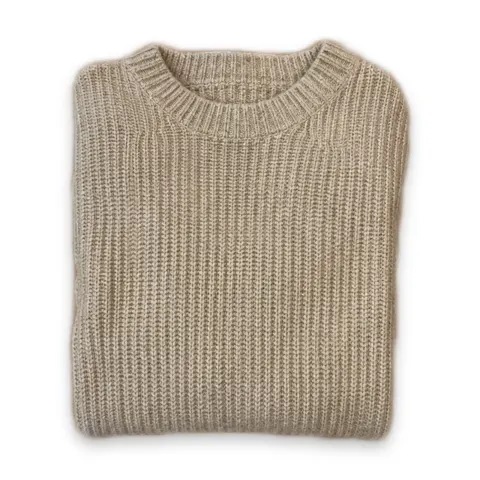
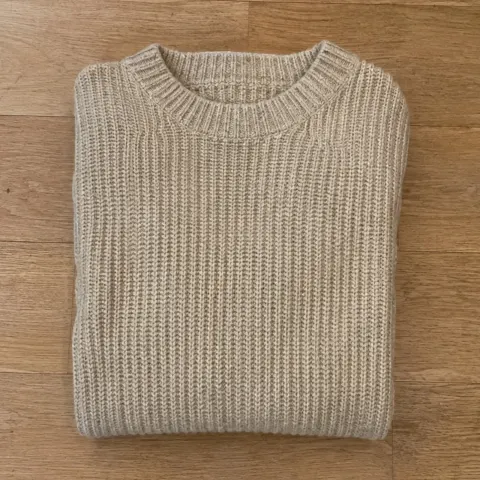
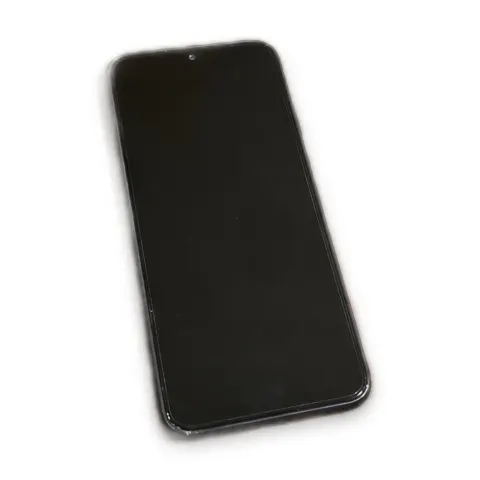
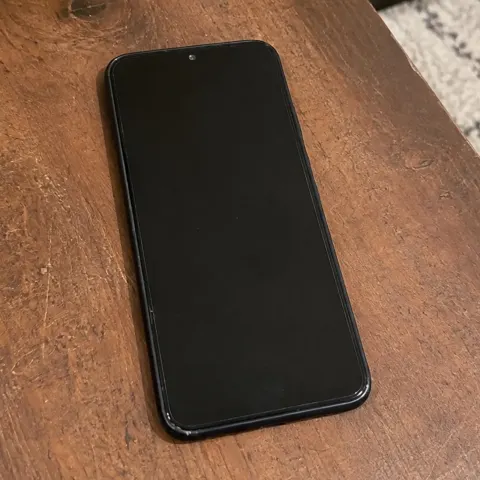
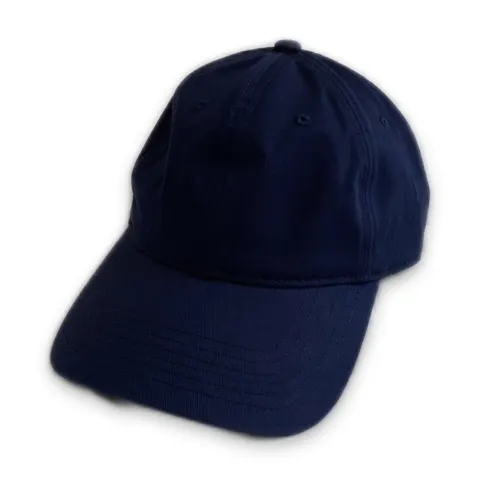
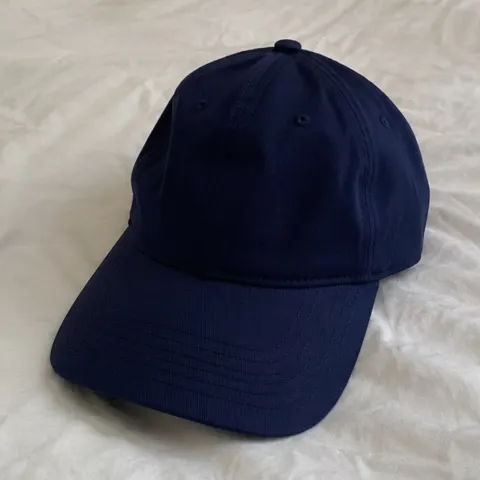
Every item lands centered on white, with the same margins and the same soft shadow. Your shop page stops looking like fifty different bedrooms.
See it on your own photo before you pay.
Drop the pile
Drag in a folder, or pick photos from your phone gallery.
Check one photo
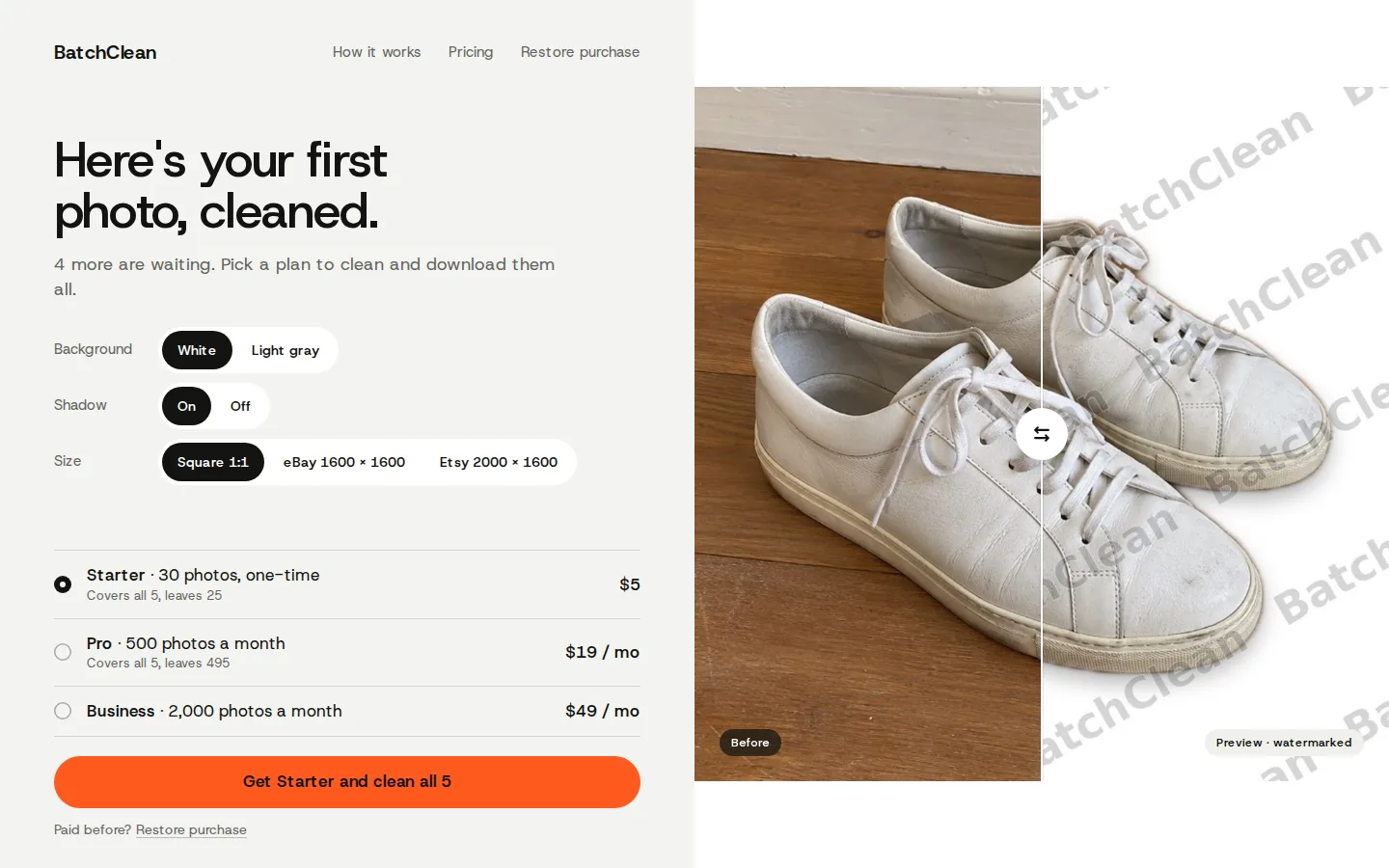
We clean one of your photos and show it next to the original. The preview has a watermark and can't be downloaded.
Pay and download
Pick a plan and the rest of the pile gets cleaned. Download it as one zip or photo by photo.
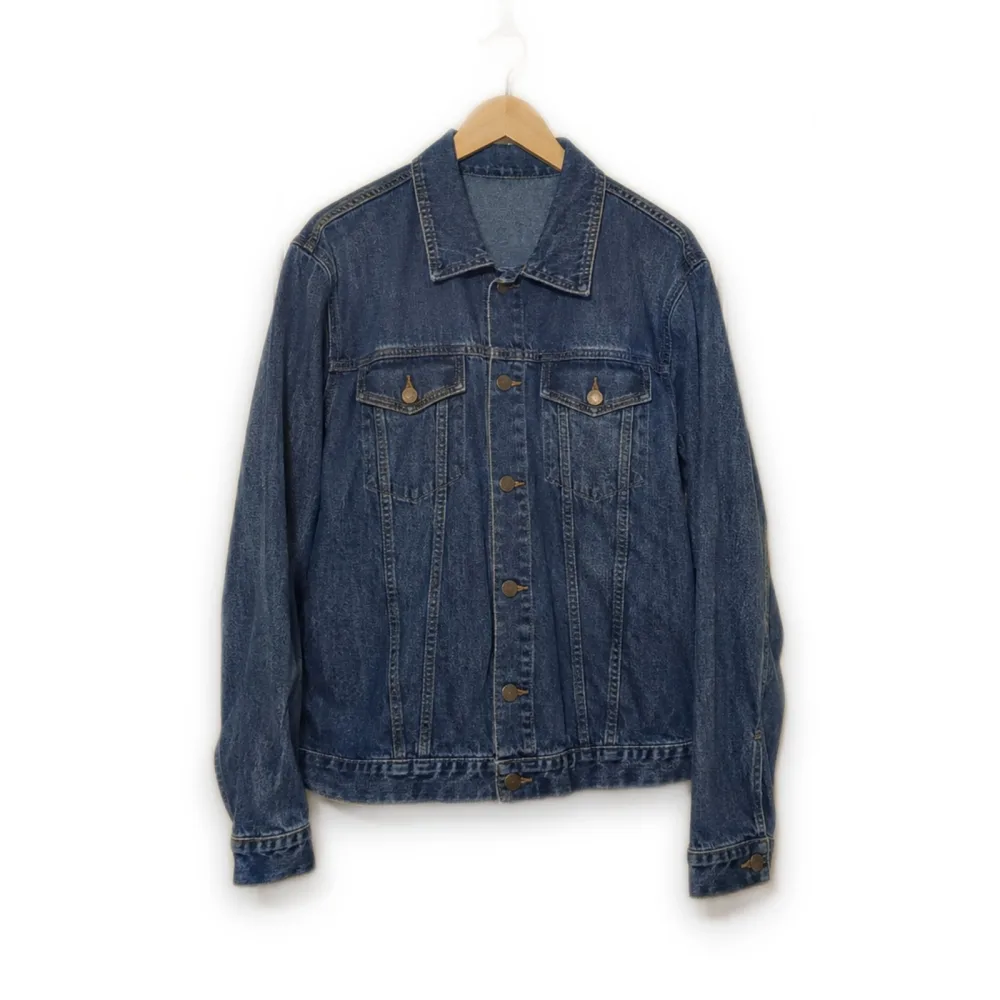
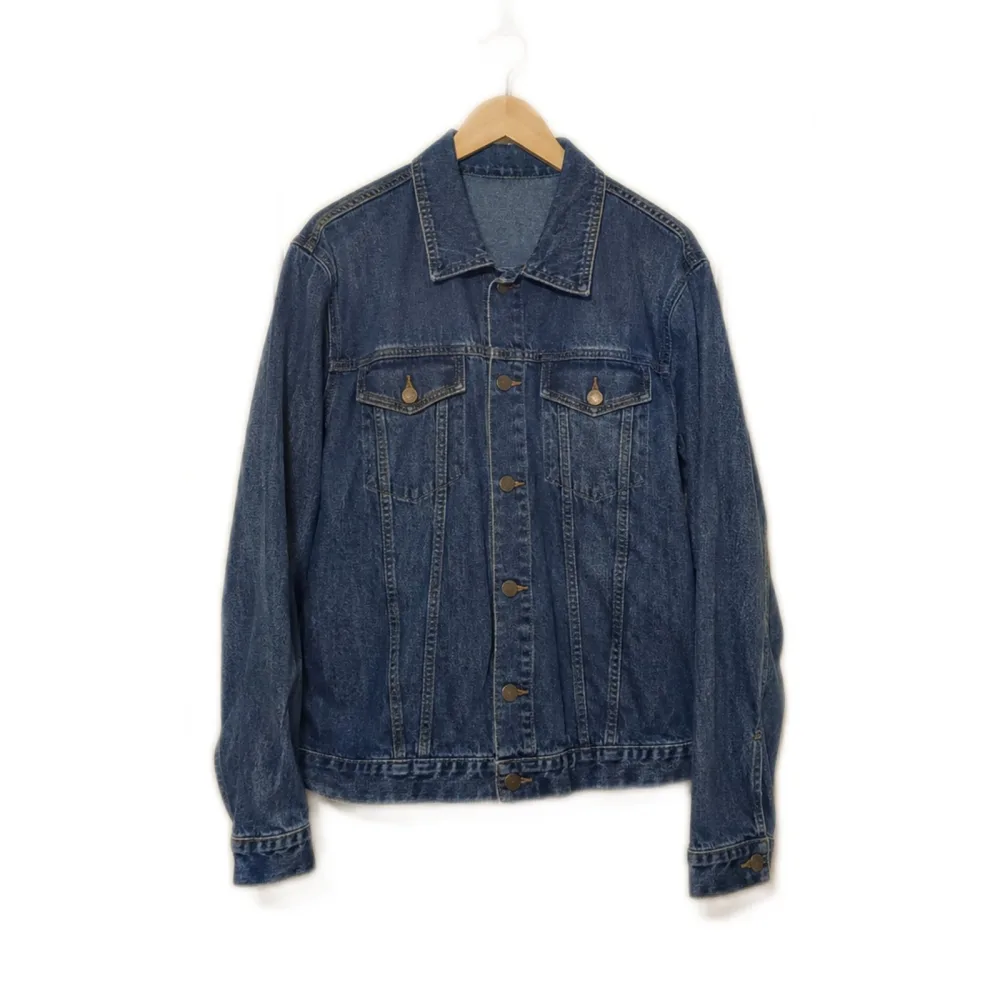
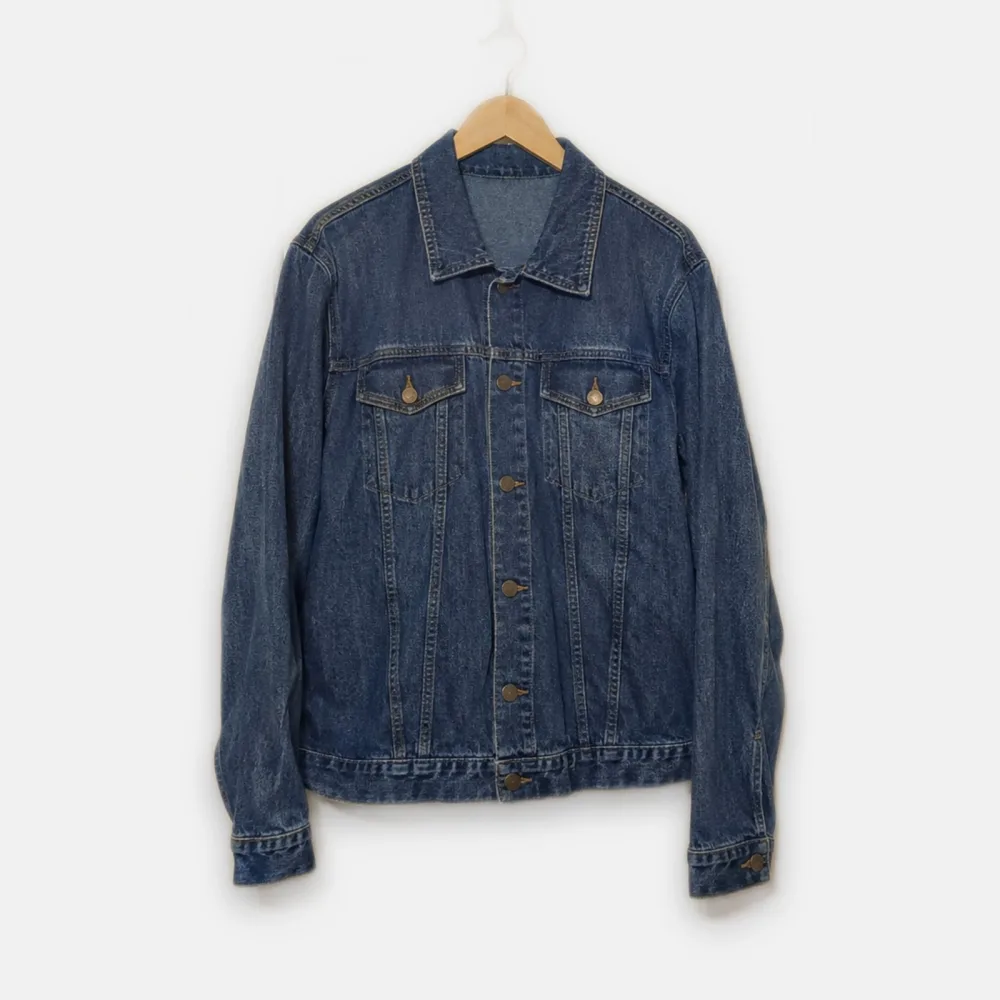
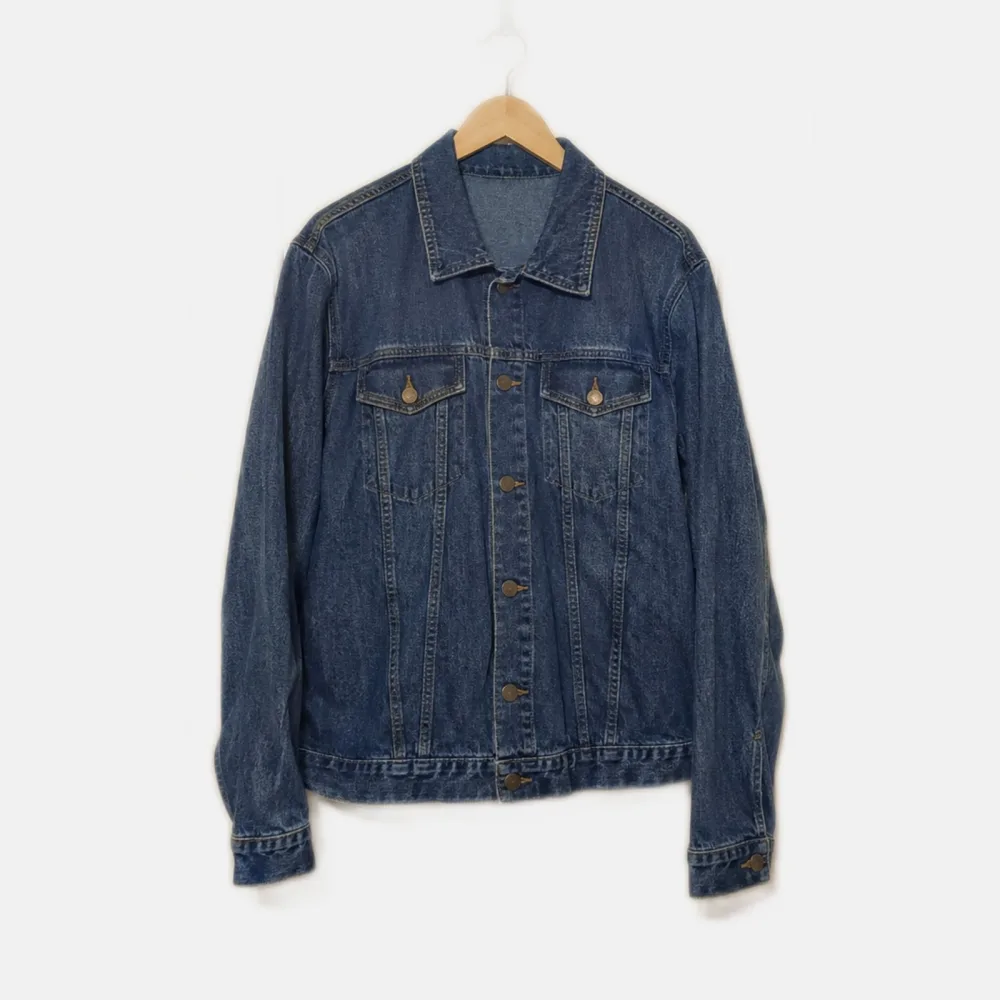
1600 × 1600 px · Vinted, Depop, Poshmark
Sized for where you sell.
Pick a size once and the whole batch comes out in it. Square 1:1 for Vinted, Depop and Poshmark, 1600 × 1600 for eBay, 2000 × 1600 for Etsy.
Light gray background and no shadow are one tap away.
A bad cut-out costs you nothing.
Tap Redo under any photo and it gets cut out again a different way. Redo never touches your balance. Photos are counted only when you download them.
See pricingYour photos never leave your device.
The cleaning runs inside your browser, on your own phone or computer. Nothing is uploaded to us. The first visit downloads the AI model once, and your browser keeps it after that.
Read the privacy policyPay for the photos you download.
No free trial. You see one watermarked preview of your own photo before you pay.
Starter
$5one-time
30 photos
About 17¢ a photo. No subscription.
Pro
$19per month
500 photos a month
About 4¢ a photo.
Business
$49per month
2,000 photos a month
About 2.5¢ a photo.
Pro and Business: unused photos roll over to the next month once.Redo is never counted.Payments by Paddle. Refund policy
Before you pay
Is there a free trial?
There's no free trial. Before you pay, BatchClean cleans one of your own photos and shows it with a watermark, so you can judge the result first.
Do I need an account?
No. After you pay you get a personal key, and this browser remembers it. On another device, paste the key or use Restore purchase with the email you paid with.
What kind of photos work?
Clothes, shoes, accessories and electronics, shot on a table, a hanger or a mannequin. JPG, PNG and HEIC files up to 25 MB each.
Does it work on my phone?
Yes, in Safari on iPhone and Chrome on Android. A phone works through a big pile 20 photos at a time.
What happens to photos I don't use?
On Pro and Business they roll over to the next month once. What's left from the month before that expires.
Can I cancel a subscription?
Yes. After you cancel, no new photos are added, and you keep what's left until the end of the period you paid for.
Where do my photos go?
They stay on your device. The cleaning runs in your browser and the photos are never uploaded.
Got a pile waiting?
Drop it in and check the first photo before you pay.